

Table of Contents
This blog post may contain affiliate links. As an Amazon Associate I earn from qualifying purchases.
Grainy patches and random speckles can turn a promising shot into a frustrating editing challenge, especially for beginners learning digital photography. Image noise often creeps in from the camera sensor, electronics, or tough lighting, sometimes making it hard to capture fine detail. By focusing on noise reduction techniques in post-processing, even amateur photographers can transform noisy files into cleaner, more polished images without losing important features or textures.





Key Takeaways
| Point | Details |
|---|---|
| Understand Image Noise Types | Identifying noise types such as Gaussian, Salt-and-Pepper, and Shot noise helps in applying targeted noise reduction strategies. |
| Employ Effective Noise Reduction Techniques | Use advanced algorithms like machine learning and spatial filtering to maintain image quality while reducing noise. |
| Avoid Common Pitfalls | Recognize mistakes like over-processing and incorrect ISO management to achieve balanced noise reduction outcomes. |
| Choose Appropriate Tools | Select noise reduction software based on criteria such as detection accuracy and user interface to enhance your editing workflow. |
What Is Noise Reduction in Photography
Noise reduction is a critical post-processing technique designed to minimize random visual distortions that degrade photographic image quality. These unwanted variations appear as grainy or speckled textures that obscure fine details and reduce overall image clarity.
Photographers encounter image noise in various scenarios, particularly when shooting in challenging lighting conditions. Understanding photo noise types and causes helps identify the most effective noise reduction strategies. Noise typically manifests in different forms:
- Electronic Sensor Noise: Generated by digital camera sensors during image capture
- High ISO Noise: Appears when increasing camera sensitivity in low-light environments
- Thermal Noise: Results from heat generation within camera electronics
- Shot Noise: Caused by random light particle variations during image recording
Noise reduction algorithms work by analyzing pixel variations and smoothing out random color and brightness inconsistencies. These sophisticated processing techniques help photographers recover image details while minimizing visual artifacts that can make photographs look unprofessional or low-quality.
How Noise Reduction Works:
- Detect random pixel variations
- Compare neighboring pixel information
- Apply intelligent smoothing algorithms
- Preserve critical image details
Noise reduction is not about eliminating all texture, but strategically removing distracting random variations that compromise image quality.
Pro tip: Always capture images at the lowest practical ISO setting to minimize noise generation during initial image capture.
Types of Image Noise and Key Differences
Image noise represents complex visual distortions that can dramatically impact photographic quality. While photographers often view noise as an unwelcome guest, understanding its different manifestations helps develop more effective noise reduction strategies. Understanding noise characteristics is critical for managing image quality across various shooting conditions.
The most common noise types each present unique challenges to image clarity:
- Gaussian Noise: Random variations uniformly distributed across image pixels
- Salt-and-Pepper Noise: Randomly appearing black and white pixels creating a speckled effect
- Shot Noise: Signal-dependent variations caused by random light particle interactions
- Thermal Noise: Generated by heat within electronic camera components
- Quantization Noise: Results from digital signal conversion limitations
Each noise type emerges from different photographic and technological conditions. Gaussian noise, for instance, stems from electronic circuit imperfections and appears as uniform random variations across the image. In contrast, shot noise occurs more dynamically, with intensity varying based on light conditions and sensor performance.

Here’s a compact comparison of common image noise types and their photographic effects:
| Noise Type | Typical Cause | Visual Effect |
|---|---|---|
| Gaussian Noise | Sensor defects, electronics | Fine, even grain |
| Salt-and-Pepper | Transmission errors | Sporadic black/white dots |
| Shot Noise | Low light, photon variance | Grain that varies by area |
| Thermal Noise | Sensor heat, long exposures | Color shifts, random dots |
| Quantization Noise | Conversion limitations | Banding, loss of detail |
Key Noise Characteristics:
- Signal dependency
- Spatial distribution patterns
- Impact on image resolution
- Generation mechanism
Not all noise is created equal – understanding the specific type helps photographers apply targeted noise reduction techniques.
Pro tip: Experiment with different noise reduction settings on sample images to understand how various algorithms handle different noise types.
How Noise Reduction Works in Editing
Noise reduction in digital photo editing involves sophisticated algorithms designed to remove unwanted visual artifacts while preserving critical image details. Photo processing techniques leverage advanced mathematical models to intelligently distinguish between genuine image information and random noise patterns.
The primary noise reduction strategies include:
- Spatial Filtering: Analyzing neighboring pixel relationships
- Frequency Domain Processing: Transforming image data to identify noise signatures
- Statistical Noise Modeling: Calculating probability distributions of pixel variations
- Machine Learning Algorithms: Using AI to recognize and suppress noise patterns
- Color Space Transformation: Separating luminance and chrominance components
Advanced noise reduction algorithms typically employ multi-stage processing approaches. These techniques first analyze the image’s statistical characteristics, then apply targeted smoothing methods that minimize noise while maintaining essential image details. The Non-local Means Denoising algorithm represents a sophisticated approach, which averages similar image patches to reduce noise without creating artificial smoothing effects.
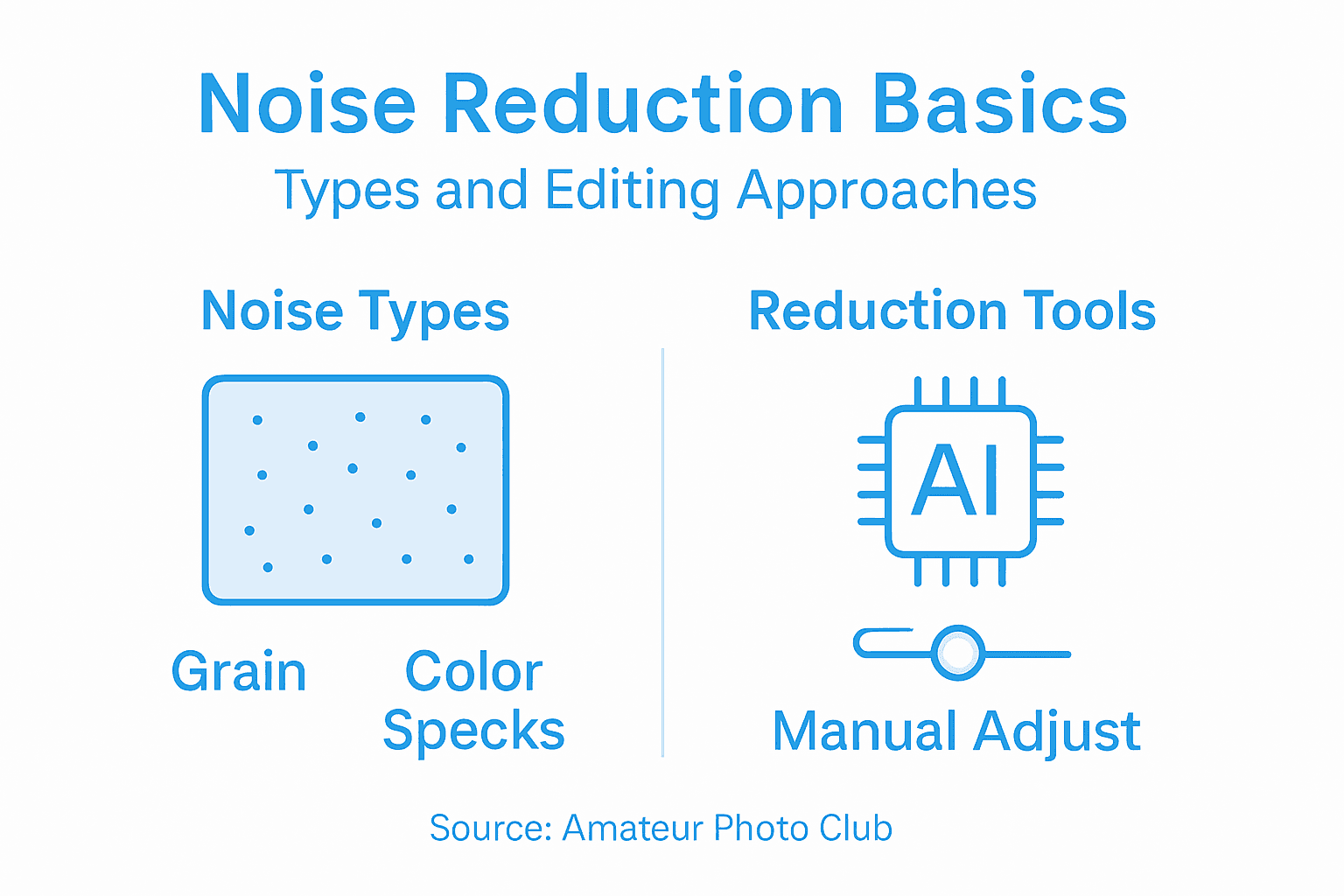
The table below contrasts popular noise reduction strategies in photo editing:
| Technique | How It Works | Best For |
|---|---|---|
| Spatial Filtering | Blurs pixel neighborhoods | Reducing fine grain |
| Frequency Domain Process | Removes high-frequency noise | Textures, sky areas |
| Statistical Noise Model | Models noise distributions | Complex, random noise |
| Machine Learning | Learns noise from large datasets | Diverse noise patterns |
| Color Space Transformation | Processes luminance separately | Minimizing color noise |
Noise Reduction Processing Steps:
- Image data acquisition
- Noise pattern identification
- Selective pixel modification
- Detail preservation assessment
- Final image reconstruction
Effective noise reduction is a delicate balance between removing unwanted artifacts and preserving the photograph’s original visual integrity.
Pro tip: Always apply noise reduction incrementally and preview results at 100% magnification to avoid over-processing.
Popular Noise Reduction Tools and Software
Photographers have access to a diverse range of noise reduction tools designed to address different image processing needs. Photo editing software offers increasingly sophisticated noise reduction capabilities that cater to various skill levels and technical requirements.
Key noise reduction software categories include:
- Professional Photography Software: Advanced tools with comprehensive noise management features
- Open-Source Image Processing: Free alternatives with flexible noise reduction algorithms
- AI-Powered Editing Platforms: Machine learning-based noise elimination techniques
- Plugin Solutions: Specialized noise reduction extensions for existing editing software
- Mobile Editing Applications: Noise reduction tools for smartphone photographers
Modern noise reduction technologies leverage complex algorithms that go beyond simple pixel smoothing. Advanced software uses machine learning and statistical modeling to analyze image characteristics, identifying and selectively removing noise while preserving critical image details. Some cutting-edge tools even employ neural networks to distinguish between genuine image information and random noise patterns.
Noise Reduction Software Evaluation Criteria:
- Noise detection accuracy
- Detail preservation capability
- Processing speed
- User interface complexity
- Compatibility with different image formats
Not all noise reduction tools are created equal – the best solution depends on your specific photographic needs and technical expertise.
Pro tip: Always test noise reduction tools using multiple sample images to understand their unique strengths and limitations.
Common Mistakes and How to Avoid Them
Noise reduction requires a delicate balance between preserving image quality and removing unwanted visual artifacts. Common photography mistakes often stem from overzealous or uninformed noise reduction techniques that can dramatically compromise image integrity.
Photographers frequently encounter several critical noise reduction pitfalls:
- Over-Processing: Applying excessive noise reduction that eliminates important image details
- Incorrect ISO Management: Using unnecessarily high ISO settings that introduce noise
- Uniform Noise Reduction: Treating all image areas with identical noise reduction settings
- Ignoring Image Context: Applying noise reduction without considering specific image characteristics
- Software Misuse: Using noise reduction tools without understanding their specific capabilities
Successful noise reduction demands a nuanced understanding of image characteristics. Professional photographers recognize that different noise types require targeted approaches, avoiding blanket noise reduction techniques that can transform sharp images into mushy, indistinct representations. Advanced practitioners understand that noise reduction is not about eliminating every imperfection, but strategically managing visual information.
Key Noise Reduction Strategies:
- Analyze image noise characteristics before processing
- Apply selective noise reduction techniques
- Use minimal noise reduction settings
- Preview results at 100% magnification
- Maintain original image texture
Effective noise reduction is an art of subtraction, not a mechanical process of elimination.
Pro tip: Create multiple versions of your noise-reduced image at different settings to compare and select the most balanced result.
Master Noise Reduction and Elevate Your Photography
Struggling with grainy images or unclear details due to noise is a common challenge for amateur photographers aiming for crisp, professional-quality photos. This article breaks down key concepts like electronic sensor noise, high ISO noise, and advanced noise reduction techniques that preserve your image’s essential details. If you want to learn how to avoid over-processing and effectively balance noise elimination with detail retention, you are in the right place.

Discover practical advice, editing tutorials, and expert insights tailored for photographers like you at the Amateur Photographer Guide. Explore comprehensive guides on photo noise types and causes and dive deeper into photo processing techniques to confidently reduce noise and enhance your images. Take control of your photography journey right now by visiting Amateur Photographer Guide and start transforming your photos today.
Frequently Asked Questions
What is noise reduction in photography?
Noise reduction is a post-processing technique that minimizes unwanted visual distortions in photographs, such as grainy or speckled textures, to enhance overall image quality.
What types of noise affect images, and how can I recognize them?
Common types of noise include electronic sensor noise, high ISO noise, thermal noise, and shot noise. Each type has specific characteristics, such as Gaussian noise being evenly distributed, while salt-and-pepper noise presents itself as random black and white pixels.
How do noise reduction algorithms work in photo editing?
Noise reduction algorithms analyze pixel variations, compare neighboring pixels, and apply intelligent smoothing techniques to reduce noise while preserving critical image details, ensuring your photos remain sharp and clear.
What are some common mistakes to avoid when applying noise reduction?
Common mistakes include over-processing images, using excessively high ISO settings that introduce noise, and applying uniform noise reduction settings across all areas of the image, which can lead to loss of important details.
Recommended
- What Is Noise in Photography? Complete Breakdown
- Photo Noise Explained: Fixing Grainy Images Fast
- What Is ISO? How It Shapes Your Photography
- Why Use ND Filters: Unlock Creative Exposures
- Phone Camera Lens Care: Upgrade Your Photo Quality
Last update on 2026-04-01 / Affiliate links / Images from Amazon Product Advertising API
