
Table of Contents
- Key Takeaways
- White balance and color temperature basics
- Types of white balance settings on cameras
- How white balance works for different lighting
- Manual versus automatic white balance adjustment
- Common mistakes and creative uses
- Master White Balance and Capture Stunning Colors with Confidence
- Frequently Asked Questions
- Recommended
This blog post may contain affiliate links. As an Amazon Associate I earn from qualifying purchases.
Most amateur photographers do not realize that adjusting white balance correctly can instantly fix unnatural skin tones or color casts in their images. Getting the color just right matters whether you are shooting sunsets on the California coast or capturing European city lights at night. By understanding how white balance and color temperature work, you will gain control over your photos and unlock more accurate, true-to-life results with any camera.
Key Takeaways
| Point | Details |
|---|---|
| Understanding Color Temperature | Familiarize yourself with the Kelvin scale to accurately assess and adjust colors according to different lighting conditions. |
| Utilizing White Balance Settings | Use preset white balance modes on your camera for quick adjustments, and consider custom settings for complex lighting scenarios. |
| Manual vs. Automatic Adjustment | Choose manual white balance for greater precision in challenging environments and when consistent color accuracy is required. |
| Creative Opportunities with White Balance | Experiment with white balance adjustments to evoke emotions and enhance the storytelling in your photography. |




White balance and color temperature basics
Color temperature and white balance represent fundamental concepts in photography that determine how colors are perceived and captured. At its core, color temperature measures the hue of light using the Kelvin scale, ranging from warm reddish tones to cool bluish hues. Photographers utilize this understanding to ensure images reflect accurate, true-to-life colors across different lighting conditions.
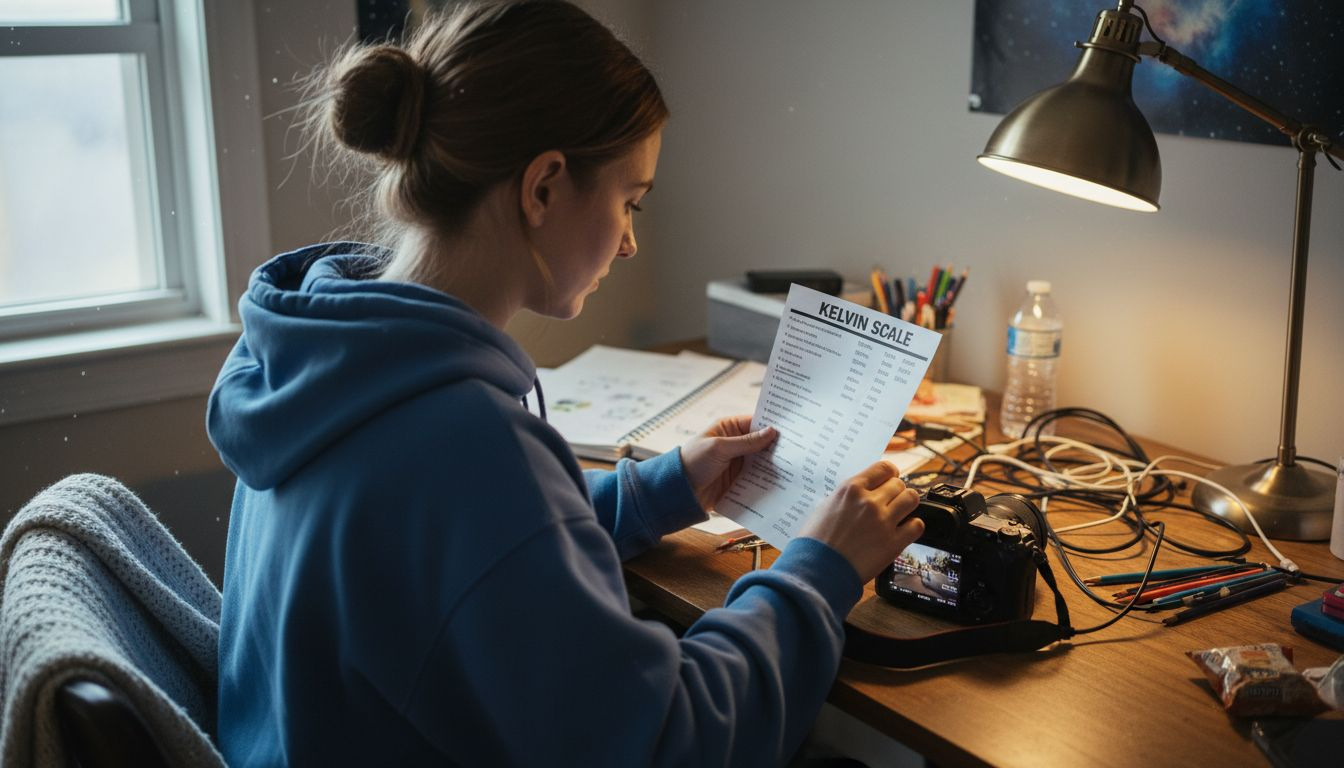
The Kelvin scale provides a scientific method for classifying light sources. Warm light sources like candlelight or tungsten bulbs typically range between 1,500K to 3,000K, producing reddish-yellow tones. Midday sunlight sits around 5,500K, presenting a neutral white light, while overcast or cloudy environments can reach 6,500K, generating cooler bluish light. Professional photographers understand how color profiles impact image accuracy and use white balance settings to compensate for these variations.
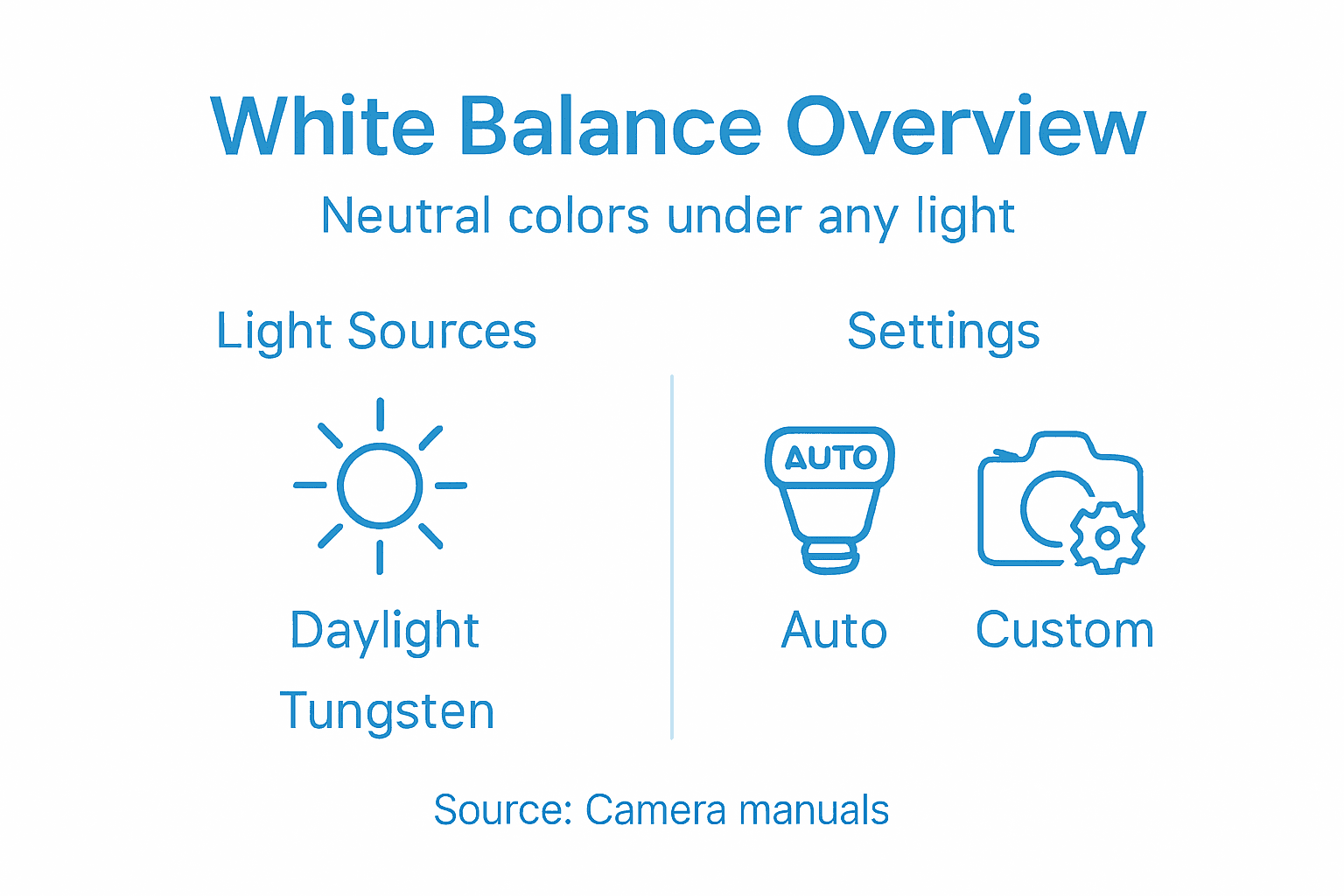
In practical photography, white balance helps neutralize color casts caused by different light sources. When a camera correctly sets white balance, white objects appear genuinely white regardless of the surrounding lighting conditions. Digital cameras offer preset white balance modes like daylight, cloudy, tungsten, and fluorescent, allowing photographers to quickly adjust color temperature. Some advanced cameras also provide custom white balance options, enabling precise color calibration by using a white or neutral gray reference point in the scene.
Pro tip: Always shoot in RAW format when possible, as it allows more flexible white balance adjustments during post-processing without losing image quality.
Here’s a quick reference for common scene types and their ideal white balance settings:
| Scene Type | Recommended Setting | Visual Effect |
|---|---|---|
| Indoor (Tungsten) | Tungsten/Custom | Reduces yellow-orange casts |
| Fluorescent Lighting | Fluorescent/Custom | Minimizes green-blue shift |
| Outdoor Daylight | Daylight/Auto | Preserves natural color |
| Overcast/Cloudy | Cloudy/Custom | Adds warmth to cool tones |
| Mixed Lighting | Custom/Manual | Ensures balanced colors |
Types of white balance settings on cameras
Modern digital cameras offer multiple white balance settings designed to help photographers capture accurate colors across different lighting conditions. These settings provide a range of options for neutralizing color casts and ensuring that white objects appear truly white, regardless of the surrounding light environment. Photographers can choose from several preset modes or utilize more advanced custom white balance techniques when shooting in challenging lighting scenarios.
The most common white balance settings include Auto White Balance (AWB), which automatically detects and corrects color temperature, and several preset modes tailored to specific lighting situations. These presets typically include:
- Daylight: For shooting in direct sunlight
- Cloudy: Compensates for overcast or subdued lighting
- Shade: Adds warmth to images taken in shadowy areas
- Tungsten: Corrects for indoor lighting with yellowish cast
- Fluorescent: Neutralizes the green-blue tint of fluorescent lighting
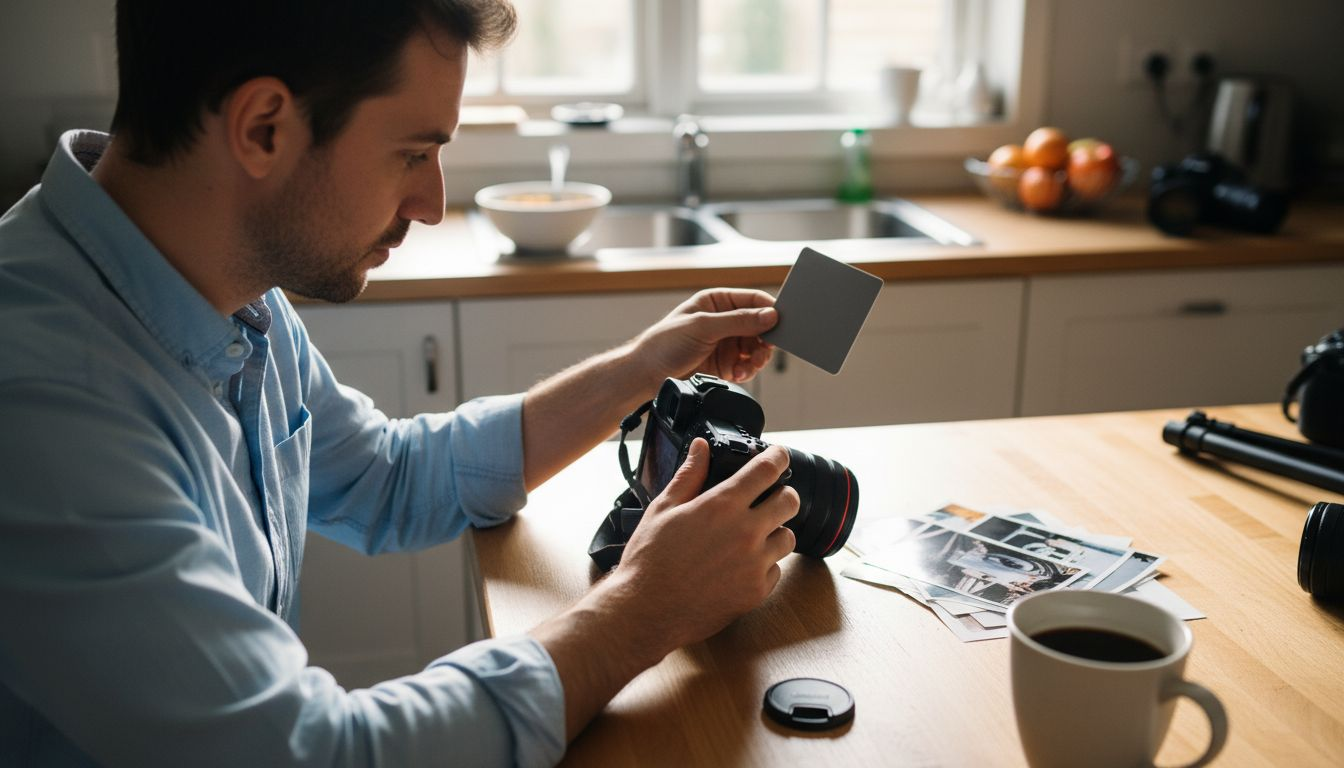
More advanced cameras offer detailed camera controls that allow photographers to fine-tune white balance with exceptional precision. Custom white balance settings enable users to manually set a reference point by photographing a white or neutral gray card, ensuring perfect color accuracy in unique or challenging lighting environments. This method is particularly useful for professional photographers working in complex lighting situations where preset modes might not provide optimal results.
Pro tip: When shooting in mixed lighting conditions, experiment with custom white balance settings to capture the most accurate color representation possible.
How white balance works for different lighting
White balance is a critical photographic technique that compensates for the dramatic color variations produced by different light sources. Each type of lighting emits a unique color temperature, which can dramatically alter the appearance of colors in an image. From warm, yellowish indoor tungsten lights to cool, bluish daylight, these variations can significantly impact how colors are perceived and captured by a camera sensor.
Understanding light characteristics is essential for accurate color reproduction. Different lighting environments create distinct color casts that can make white objects appear yellow, blue, or green. Understanding the role of light helps photographers anticipate and correct these color shifts. For instance:
- Tungsten lights (around 3,000K) cast a warm, yellow-orange tone
- Fluorescent lights produce a cool, greenish-blue cast
- Midday sunlight creates a neutral white light around 5,500K
- Shade and cloudy conditions generate cooler, bluish tones
Advanced white balance techniques go beyond simple preset modes. Professional photographers recognize that real-world lighting is often complex, with multiple light sources creating layered color temperatures. Modern cameras and post-processing software use sophisticated algorithms to analyze and neutralize these color casts, ensuring that white and neutral colors appear accurate regardless of the lighting conditions. This process involves mathematically adjusting the red, green, and blue color channels to create a balanced, natural-looking image.
Pro tip: When shooting in mixed lighting, take a test shot of a white or gray card to create a custom white balance reference for the most accurate color reproduction.
Manual versus automatic white balance adjustment
White balance adjustment represents a critical decision point for photographers, offering two primary approaches: automatic (AWB) and manual modes. Each method has distinct advantages and limitations that can significantly impact image color accuracy. While automatic white balance provides convenience, manual adjustment offers precision and creative control over color rendering in various lighting environments.
Automatic white balance relies on sophisticated camera algorithms to analyze the scene and estimate the most appropriate color temperature. Exploring manual camera settings reveals the nuanced differences between these approaches. AWB works well in straightforward lighting conditions, quickly compensating for minor color shifts. However, it can struggle in complex scenarios such as:
- Mixed lighting environments
- Low-light situations
- Scenes with predominantly one color
- Dramatic or artistic lighting setups
Manual white balance gives photographers complete control over color temperature, allowing precise calibration by using a neutral reference point like a white or gray card. This method is particularly valuable for professional photographers who require consistent color reproduction across multiple shots. Advanced cameras enable users to set exact Kelvin values, providing granular control over color temperature that automatic modes cannot match. Professional photographers often prefer manual adjustment in studio settings, commercial photography, and situations demanding color-critical accuracy.
Pro tip: Always take a reference white balance shot with a gray card when shooting in challenging or mixed lighting conditions to ensure the most accurate color representation.
Compare the advantages and disadvantages of manual vs. automatic white balance:
| Method | Advantages | Disadvantages |
|---|---|---|
| Automatic | Fast and easy for beginners | May struggle in complex lighting |
| Manual | Total color control possible | Requires extra time and experience |
Common mistakes and creative uses
White balance can be both a technical challenge and a powerful creative tool for photographers. While precise color reproduction is important, understanding how to navigate and intentionally manipulate white balance opens up exciting opportunities for artistic expression. Exploring common photography mistakes reveals that many beginners struggle with unintended color shifts that can dramatically alter image mood and perception.
Common white balance mistakes often stem from overreliance on automatic settings or misunderstanding how different light sources impact color temperature. Typical errors include:
- Leaving camera on default AWB in mixed lighting conditions
- Failing to adjust white balance for dramatic lighting scenarios
- Ignoring color temperature when shooting in challenging environments
- Not understanding how different light sources create unique color casts
Creative white balance manipulation allows photographers to transform image mood and storytelling potential. By intentionally shifting color temperature, photographers can evoke specific emotional responses or create stylized visual narratives. Warm color temperatures can suggest intimacy and comfort, while cooler tones might communicate detachment or melancholy. Professional photographers often use deliberate white balance adjustments to enhance atmosphere, create visual consistency across a series, or develop a distinctive personal aesthetic.
Pro tip: Experiment with white balance settings as a creative tool by taking multiple shots of the same scene with different color temperature adjustments to understand their emotional impact.
Master White Balance and Capture Stunning Colors with Confidence
Struggling to get your photos to reflect true-to-life colors because of tricky lighting conditions Is your white balance giving you headaches because automatic settings fail in mixed light Understanding color temperature and white balance is key to overcoming these challenges and elevating your photography from average to professional level. This article lays the foundation, showing how manual white balance adjustment and custom settings can unlock perfect color accuracy even in the most complex scenes.
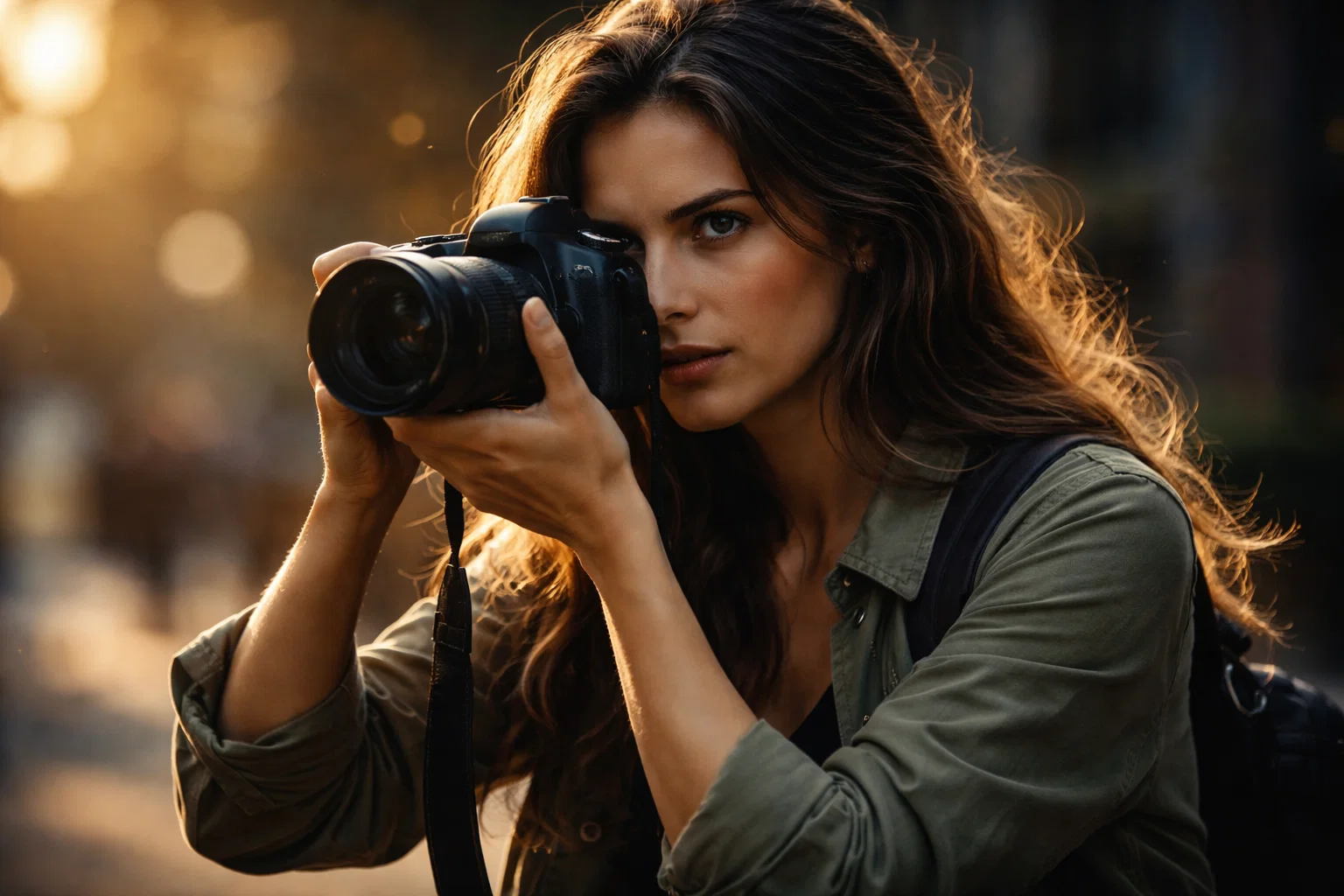
Ready to take full control of your camera and master color accuracy Discover practical advice, detailed tutorials, and expert gear reviews tailored for amateur photographers at Amateur Photographer Guide. Explore in-depth guides like manual camera settings that complement your knowledge of white balance and color profile basics to sharpen your skills. Start today and transform how you capture color forever.
Frequently Asked Questions
What is white balance and why is it important in photography?
White balance is a photographic technique that adjusts colors to appear true to life under different lighting conditions. It helps neutralize color casts, ensuring that white objects look genuinely white, thus achieving accurate color reproduction in images.
How does the Kelvin scale relate to color temperature?
The Kelvin scale measures color temperature, with lower values indicating warm, reddish tones (like candlelight) and higher values representing cool, bluish hues (like midday sunlight). This helps photographers understand how different light sources influence color perception.
What are the different white balance settings available on digital cameras?
Digital cameras typically offer several white balance settings including Auto White Balance (AWB), Daylight, Cloudy, Tungsten, Shade, and Fluorescent. These presets are designed to counteract specific color casts caused by various light sources.
Should I use automatic or manual white balance settings?
Automatic white balance (AWB) is convenient and works for many situations but may struggle in complex lighting. Manual white balance allows for precise adjustments using reference points and is preferable for professional and artistic photography where accurate color representation is critical.
Recommended
- What is Color Grading and Why Photographers Need It
- Color Profile Basics: Enhancing Image Accuracy
- Black and White Photography Guide: Create Stunning Monochrome Photos
Last update on 2026-06-06 / Affiliate links / Images from Amazon Product Advertising API
